Best Laptop Sizes for a 24-Inch Tabletop (No Cramp)
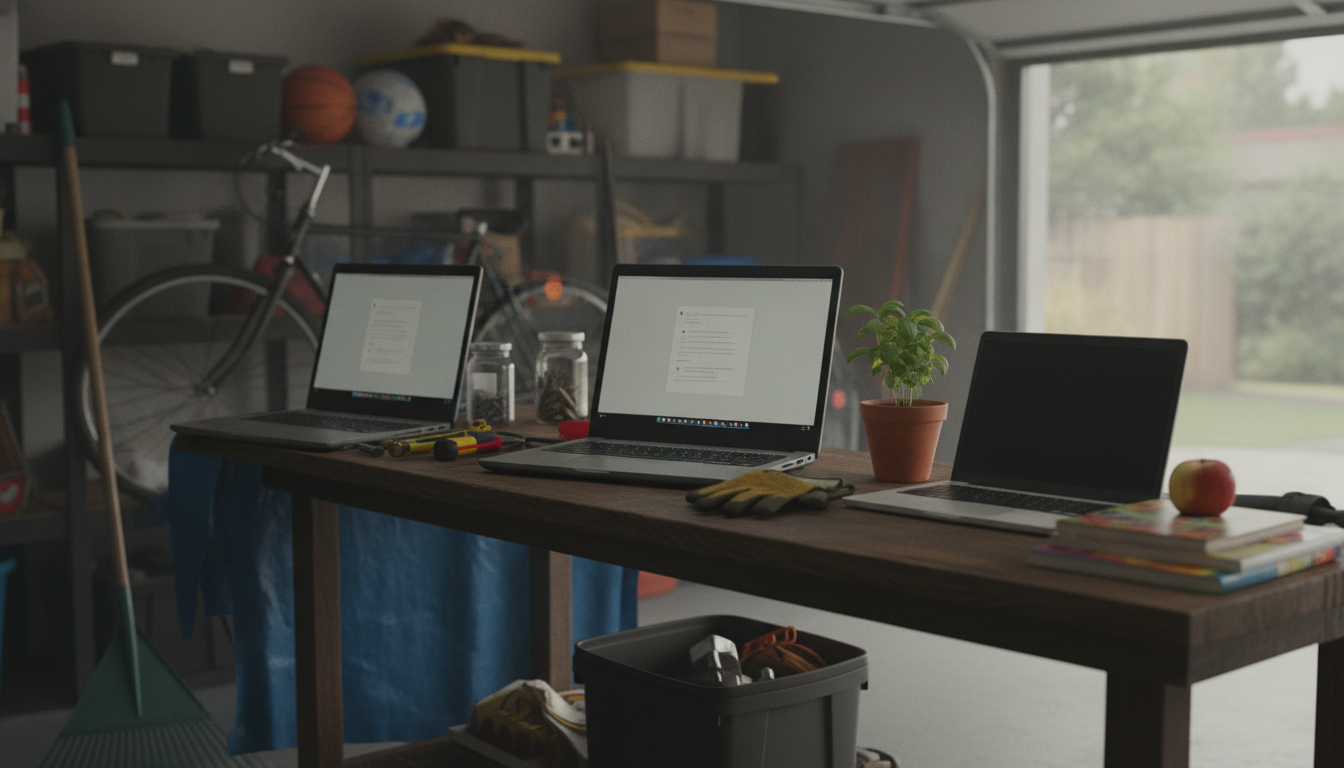
What laptop sizes fit comfortably on a 24 inch tabletop without feeling cramped?
A 24-inch tabletop works best with laptops that leave room for hand placement, a mouse, and airflow around the chassis. In most setups, that sweet spot is a 13- to 15-inch laptop, while 16-inch models can work if you keep accessories minimal and position the laptop carefully.
Most comfortable: 13–14 inch laptops
For everyday browsing, schoolwork, and office tasks, a 13- or 14-inch laptop typically feels the least restrictive on a 24-inch surface. These sizes usually leave enough side-to-side room to rest your wrists and enough front space for comfortable typing without your hands hanging off the edge. You’re also more likely to fit a small mousepad next to the laptop without constantly bumping the edge of the desk.
Good balance: 15–15.6 inch laptops
A 15-inch laptop is often the “largest that still feels normal” on a 24-inch tabletop, especially if the desk is meant primarily for the laptop (not a separate keyboard, notebook, and drink). It’s comfortable when the laptop can sit centered with a little clearance behind it for ventilation and in front for your palms. If you use a mouse, consider a compact mousepad or a thinner pad that doesn’t eat up surface area.
Possible but tighter: 16–17 inch laptops
Sixteen-inch laptops can fit on a 24-inch tabletop, but the experience depends on the laptop’s footprint and your accessories. If the chassis is deep or wide, you may feel like your hands are crowded, especially if you also need a phone stand or a notepad. Seventeen-inch laptops generally feel cramped on a 24-inch surface unless you’re using the desk as a dedicated platform and keeping everything else off the top.
Quick sizing tips for a “not cramped” feel
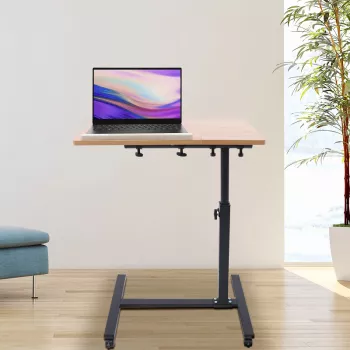
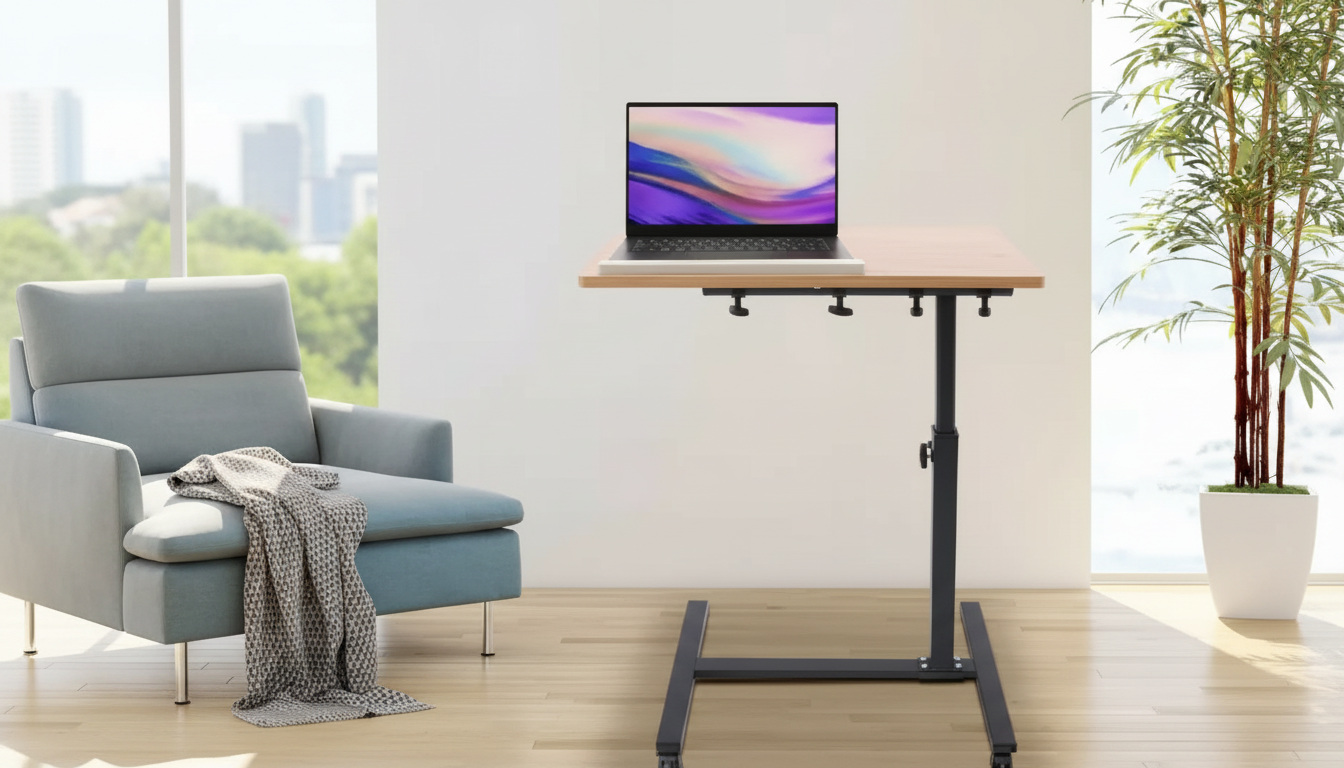
Look up the laptop’s width and depth (in inches) and aim for at least a couple inches of open space on the sides and a few inches in front for your wrists. If your desk has features like a rotating top or integrated phone stand, plan around those zones so the laptop isn’t forced into an awkward angle. For desk dimension details and setup ideas, see this 24-inch adjustable laptop desk guide.
FAQ
How do I measure my laptop to make sure it fits my desk?
Measure the laptop’s width and depth with a tape measure (closed or open, depending on how you’ll use it) and compare those numbers to the usable tabletop area. Leave extra space for your hands and any must-have accessories like a mouse or phone stand.








Leave a comment